Sometimes, after you have created an SPS video, you may want to make some changes to your video. You may need to update pictures, adjust the price, or make other changes. When this happens, you can easily remake your SPS video to replace the older version.
Remake an SPS Video:
1.⠀Login to your SPS account. If you have forgotten your password, click here.
2. Navigate to the SPS property website you want to recreate the SPS video for and click on ‘edit & promote’.

3. Make any changes you need to make (i.e. price, photos, ect.) to your SPS property website, first. Your video will not update correctly unless you have made the changes to your SPS website, beforehand.
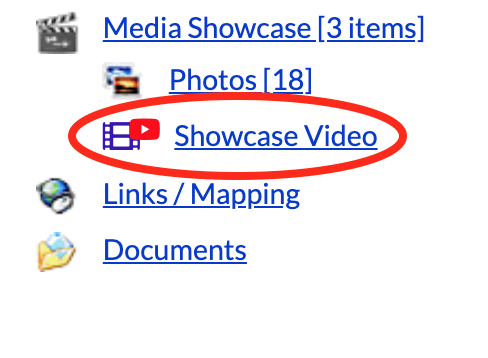
4. After you are happy with the updates you have made to your SPS property website, then click on ‘showcase video’ under the ‘edit & promote’ section of your SPS property website.
5. Click ‘Remake this Video (will take up to 24 hours)’.

6. Your new SPS video will replace the old one after 24 hours.
SPS Tip:
You can also download your SPS Video directly onto your computer or other device and share it anywhere, online.
Simply click ‘Right-click and ‘Save As’ to download’ under ‘showcase video’. You will then see a full-screen version of your SPS video. Right-click the screen and choose to save it onto your computer or device.