Setting up property websites is very easy and only takes a few minutes.
There are two ways to create SPS property websites. You can import an already existing MLS listing, and this will automatically create a listing website. Or, you can create a property website that is not active on the MLS.
How can I import an active MLS listing to create a property website?
- Login to your SPS account. You can also reset your password if you have forgotten it.
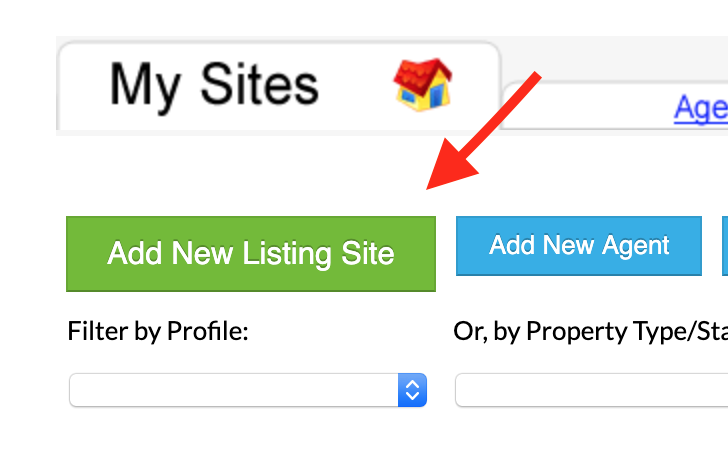
- Under the ‘My Sites’ tab, click the green ‘Add a new listing site’ button.
3. Click the blue ‘Attempt to Import Listing Based on MLS#’ button
4. Fill out the listing information and click the ‘import’ button
How can I build a property website for a listing that is not on the MLS?
- Login to your SPS account. You can also reset your password if you have forgotten it.
- Under the ‘My Sites’ tab, click the green ‘Add a new listing site’ button.
- Follow the guide and fill in the information from the Site Wizard to create your property website in a few minutes.