Question:
Can I make a copy of my property website?
Answer:
Yes, you can make a copy of your property website. This can be a time saver because all of the information can be copied and easily edited.
Make a Copy of a Property Website:
1.⠀Login to your SPS account. If you forgot your password, click here.
2. Select the property site you want to make a copy of and click ‘EDIT & Promote’ for that property.
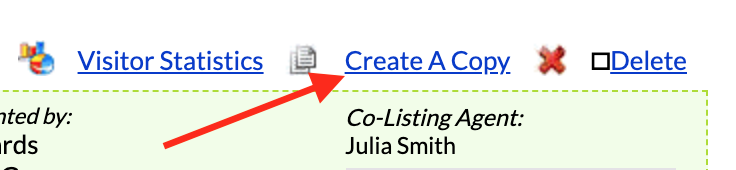
3. Click on ‘Create a Copy’ at the top of the EDIT & Promote page.
SPS Tip:
When you copy the property site, a new, copied site will be created with a street address of “copy of xxxxxxx’. Double check to make sure the following information is correct on the copied property site’s ‘EDIT & Promote’ page:
1.⠀Make sure to update the street address so that it is correct.
2. Review the MAP pin location because this will be based on the prior address. Go to ‘EDIT & Promote’, ‘Links/Mapping’, and use the option to ‘Set the Map Pin’.
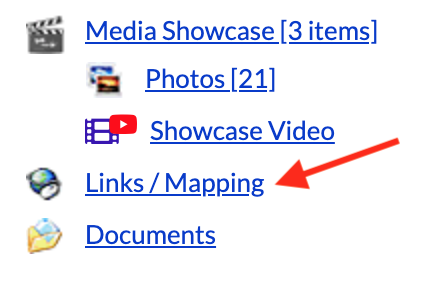
3. Check the links on your property site (school district, HOA site, etc.) and update them if necessary.